Riverside alternative

Riverside-style clips, without switching studios

Riverside is a recording studio with Magic Clips built in. If you record somewhere else — Zoom, StreamYard, a camera, OBS — or you only need the clips, ClipTaro turns the finished recording into shorts on its own.

60 free credits · about an hour of video · no card needed

Pricing

ClipTaro vs Riverside

Riverside doesn't list a clipping quota. Here's what the cheapest paid plan of each costs.

ToolIncluded / monthPer minute
ClipTaro Creator · $9900 min$0.010
Riverside Pro · $29Not listed—

Monthly billing, from each tool's public pricing page, checked October 2026. Prices may have changed since. Tools that count clips, videos or credits have no per-minute price.

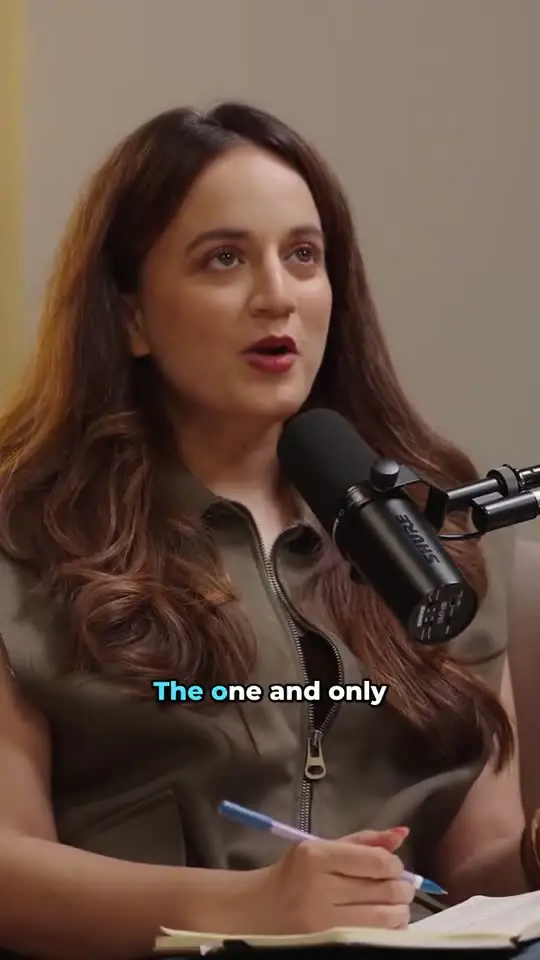
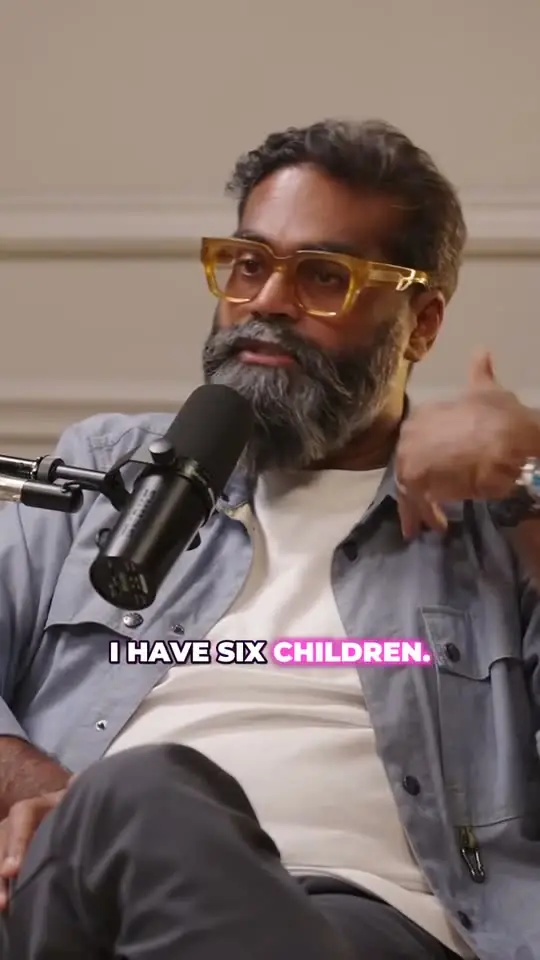
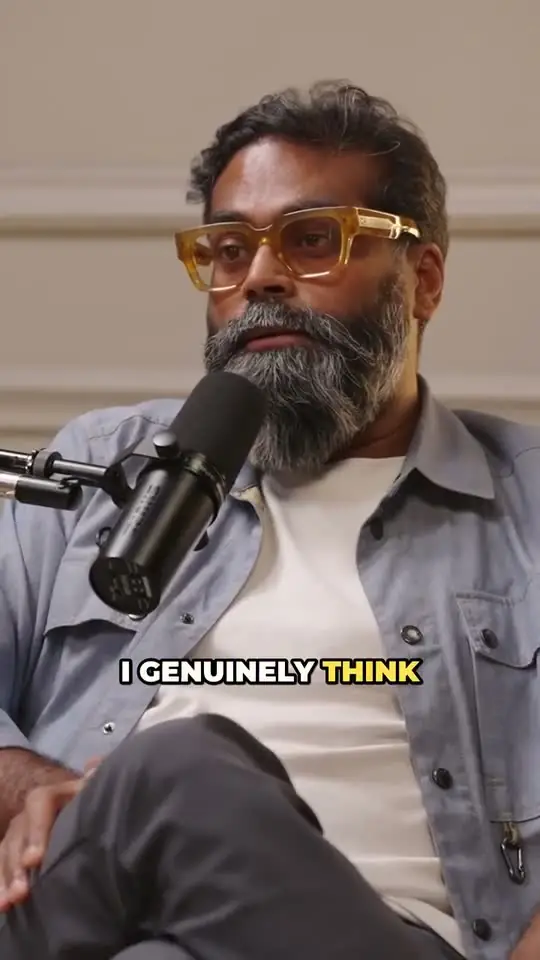
Real clips from one podcast

88

Will AI Make Humans Obsolete?

88

The Danger of Deepfakes and How to Protect Yourself

92

Why This CEO Says Traditional Education Is Redundant

Works with any recording

Upload the file (up to 2 GB and three hours) or paste a YouTube link to the episode. There's nothing to install and no need to move your recording setup.

Made for conversations

Video podcasts and interviews often have two or more people in a wide shot. ClipTaro's face-aware reframing follows whoever is talking and keeps them in the 9:16 frame, shot by shot.

It reads the whole transcript before picking anything, so a clip can include the setup and land the payoff. Each one gets a 0–100 score and the reasons it was picked.

Pay for clipping only

A studio plan pays for recording, editing and storage. ClipTaro charges one credit per minute of video you clip, and editing, re-rendering and exporting are free. Creator is $9 a month for 900 minutes.

FAQ

Questions, answered

Yes. Export the recording from Riverside and upload the file, or upload it to your YouTube channel and paste the link.

No. ClipTaro works on recordings you already have and focuses on turning them into clips.

Vertical 9:16 with the speaker in frame, word-by-word animated captions and a title. You can switch to 1:1, 4:5 or 16:9 and export in up to 1080p.

Keep reading

Your next ten shorts are already in your videos.