Follows whoever is talking
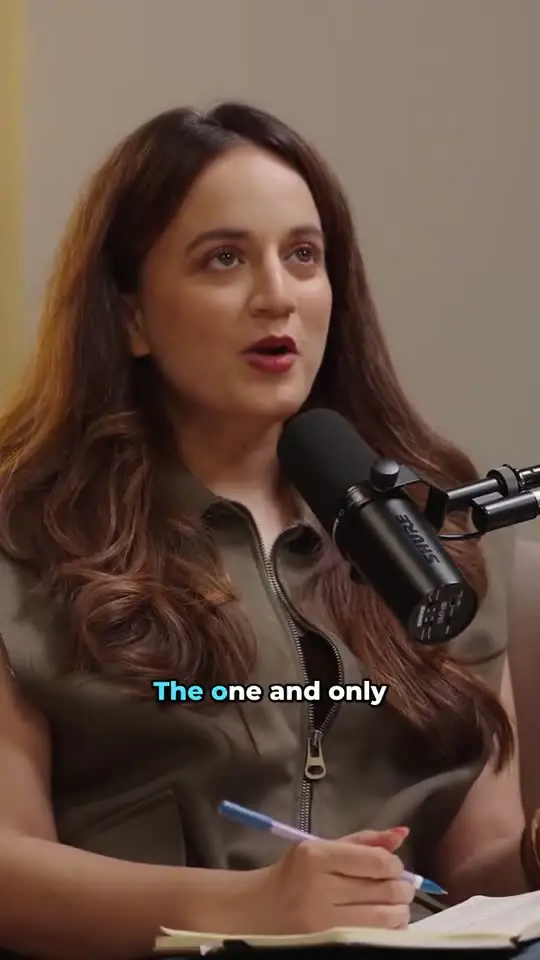
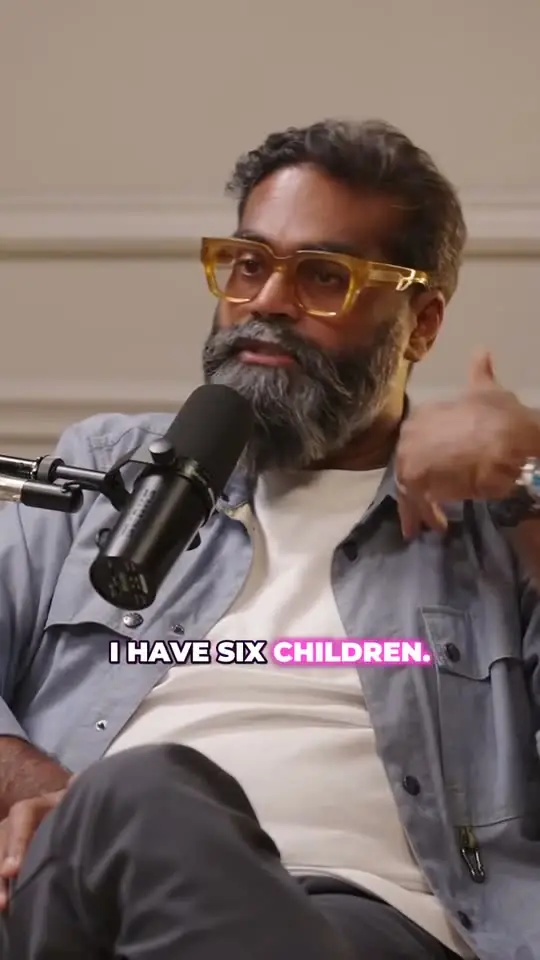
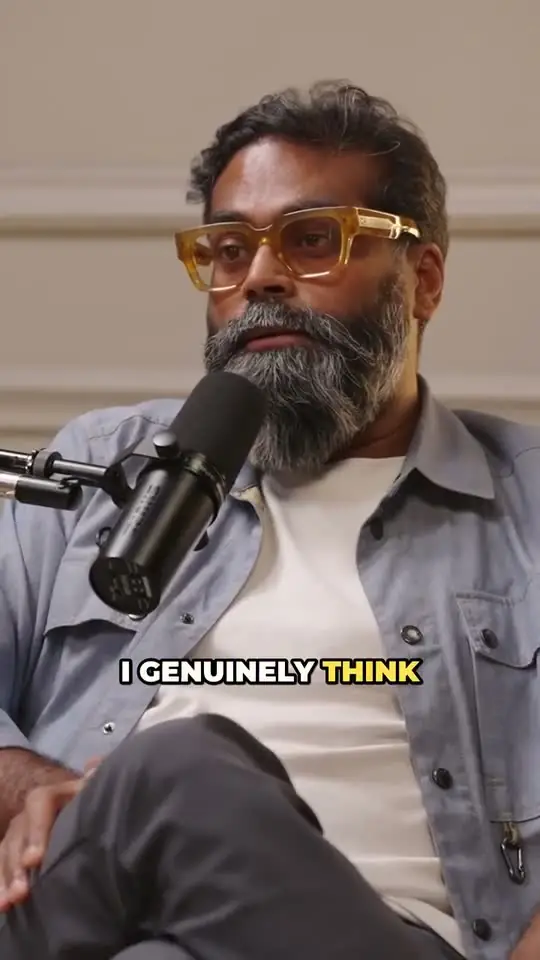
ClipTaro detects faces across each shot and keeps the active speaker in the frame. In two-person interviews and podcasts, the crop moves with the conversation instead of sitting in the middle of the table.
Framed shot by shot
Framing is worked out shot by shot, so the crop follows cuts in the original edit instead of drifting across them.
You have the final say
If a clip should focus on something else, adjust the focus in the editor and the preview updates instantly. You can also switch any clip to 1:1, 4:5 or 16:9.
Made for people on camera
Reframing works best where faces carry the story: podcasts, interviews, panels, keynotes, commentary and tutorials with a presenter. Multi-camera edits work too, because each shot is framed on its own.
Every clip also gets word-by-word animated captions and a title, so the reframed video is ready to post without another tool.