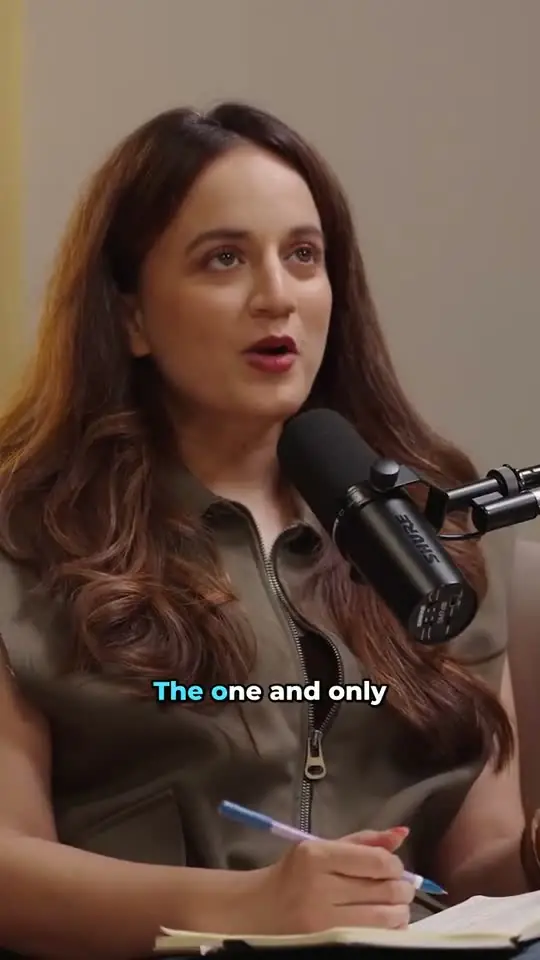
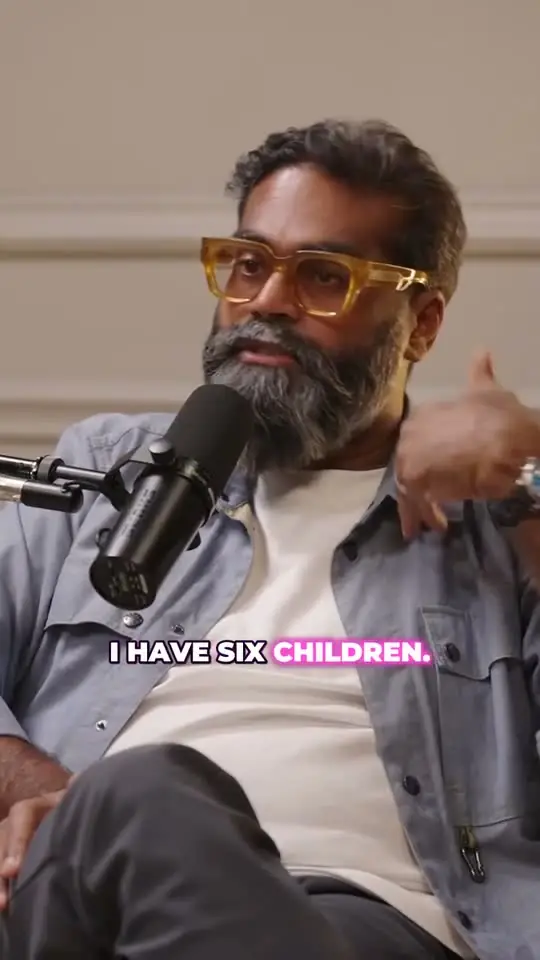
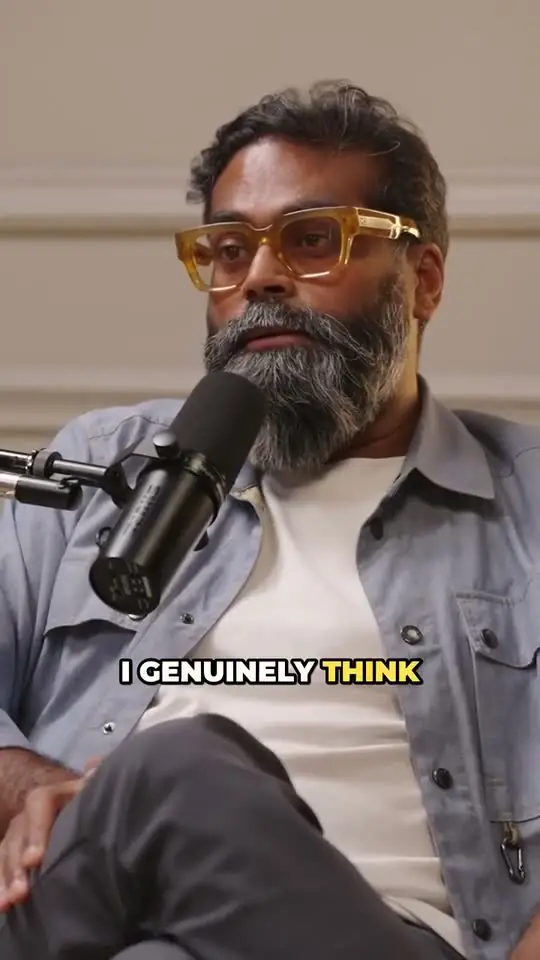
Step 1: Start from the video, not the audio
Shorts, Reels and TikToks are video feeds, so a clip needs a picture. If you record your podcast on camera, use that recording or the episode's YouTube upload. A waveform over a still image rarely holds attention the way a face does.
In ClipTaro, paste the episode's YouTube link or upload the file. Episodes up to three hours long work, and you never have to download a YouTube video first.
Step 2: Find moments that stand on their own
A good clip makes sense to someone who has never heard the show. Look for a strong first line, one complete idea and a payoff: a story, a hot take, a laugh, a surprising number or a quotable sentence. Skip moments that lean on something said ten minutes earlier.
This is the slow part by hand, because it means listening to the whole episode. ClipTaro transcribes every word, reads the whole conversation the way an editor would and returns 3 to 15 clips, each with a 0–100 score and the reasons it was picked, so you can post the strongest ones first.
Step 3: Keep it short
Cut each clip so it starts on the hook, not on the setup, and ends right after the payoff. Most podcast clips work best well under a minute.
ClipTaro lets you choose the length before it starts (auto, under 30 seconds, 30–60 seconds or 60–90 seconds), and you can trim the start and end of any clip on a waveform timeline afterwards.
Step 4: Reframe to vertical 9:16 with people in frame
Podcast recordings are usually wide shots with two or more people. A plain center crop often cuts someone out, or frames the empty space between two hosts, so the crop has to follow the people in each shot.
ClipTaro's face-aware reframing keeps people in the 9:16 frame, shot by shot. When two hosts sit far apart in one wide shot, the clip splits top and bottom with one person in each half; multi-camera episodes that cut between close-ups keep one crop per shot. If it frames the wrong face, move the focus in the editor, or set the clip to Auto, Single or Split. You can also switch a clip to 1:1, 4:5 or 16:9.
Step 5: Add captions people can read with the sound off
Many people scroll with the sound off, and captions also help viewers follow fast speech and accents. Word-by-word captions that highlight as they are spoken are easier to follow than full sentences popping in.
Every ClipTaro clip gets animated, word-level captions in one of five styles (Bold Pop, Karaoke, Boxed, Neon or Minimal), burned into the export so they look the same on every platform. Fix any word in the editor.
Step 6: Give each clip a title that works as a hook
The title or on-screen text decides whether someone stops scrolling. Promise the payoff without giving it away, and keep it short enough to read in a second.
ClipTaro writes a title for every clip, which you can edit. Titles and captions can stay in the episode's language or be translated.
Step 7: Export and post
Export each clip as an MP4. In ClipTaro, free exports are 720p with a small watermark and paid exports are 1080p with none. You can publish straight to YouTube from the app; for TikTok and Instagram Reels, upload the exported MP4.
Post the highest-scoring clips first, spread them over the week and point viewers back to the full episode in the description or a pinned comment.
Once the routine works, an automation can do steps 1 to 6 for every new episode on your YouTube channel, and even post the best clips to YouTube for you.
Last updated